Effective Working from Home
Important Tips & Checklist Poster for Download
Due to the COVID-19 pandemic, many companies switched to working from home. In a very short time, the most essential devices were organized and some form of online access was set up. Many employers had little time to provide suitable furniture or equipment. With our expertise on the topic of home offices, we would like to support you and answer the following questions:
- How can I ensure that my employees work effectively from home?
- What do I need to consider when setting up a home workspace?
- Are there any obligations for employers?
The idea that working from home could become the standard is not unfounded. According to a study by the German Institute for Economic Research, more than 40% of all employees could perform their jobs just as well from home. Thanks to modern networking options, we are no longer tied to a fixed workplace, and working from home also offers many advantages. To ensure that working from home is successful, there are numerous tips and ideas. We have done the research for you and put together the most important recommendations.
Table of Contents
- Workspace setup
- Ergonomics
- Technical equipment
- Communication
- Focused working
- Atmosphere
- Health
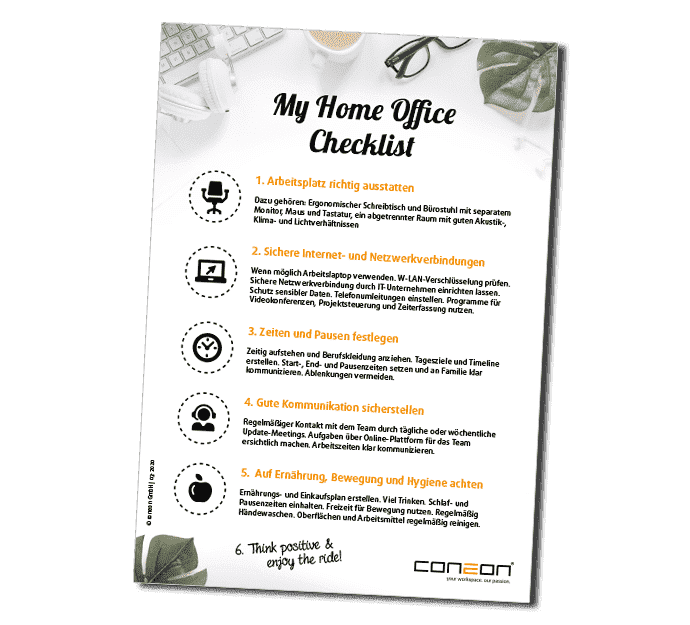
- Home office checklist poster
Homeoffice-Checklist-Poster
Also with your own company logo
Download our tips as a practical poster for your employees. To ensure a consistent corporate design, we are happy to place your company logo on the poster free of charge. Simply send us your logo to: carina.krenzer@coneon.de.
Tips for Setting Up Your Workspace
Choose a room with as much natural daylight as possible and make sure the space is evenly lit (avoid flickering light sources). Position your desk sideways along a window and create a visual separation from your living area—if necessary, use additional freestanding partitions.
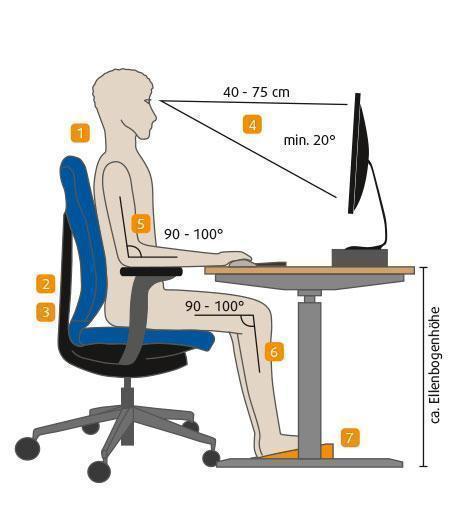
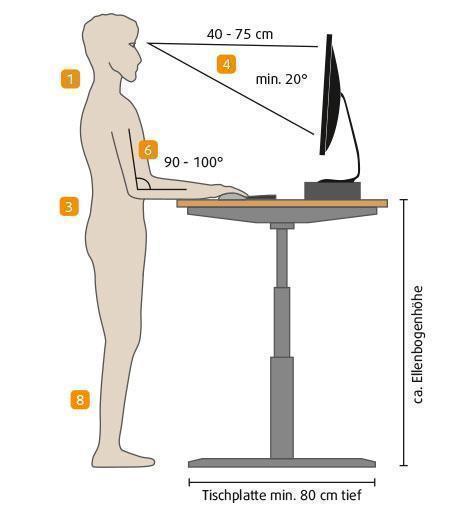
When positioning your monitor, ensure that no light reflects on the screen and that you are not facing direct backlighting. Place the monitor 40–75 cm in front of you, depending on its size. Adjust the monitor height so that the top line of the screen is slightly below your horizontal line of sight, with a downward viewing angle of at least 20 degrees. The monitor may be slightly tilted.

Tip:Tip: When working on a laptop, use a separate keyboard, a mouse, and an external monitor.
Ergonomics
Desk Requirements
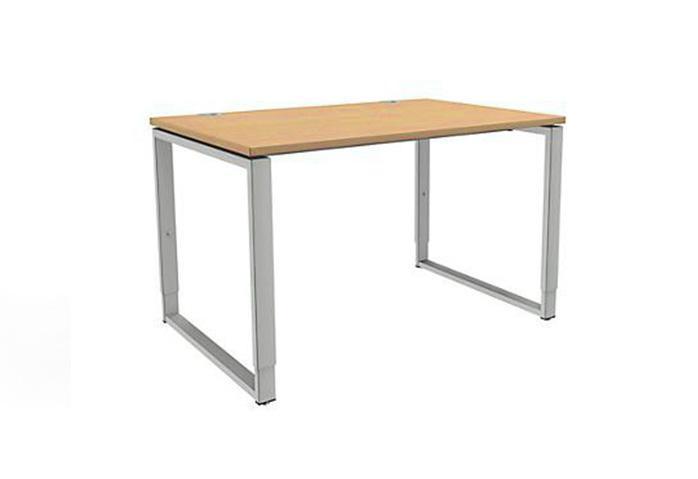
Choose a desk that is at least 160 x 80 cm in size. Select a tabletop material that is non-reflective. Ensure that the legroom is at least 85 cm wide (120 cm or more is ideal). If possible, use a height-adjustable desk. This allows you to set it at elbow height (in an upright seating posture) to prevent back pain. A height-adjustable desk also enables you to change working positions, including standing, helping to reduce physical fatigue.
Tip: Change your sitting position from time to time and take regular movement breaks.
Proper Sitting with an Ergonomic Office Chair
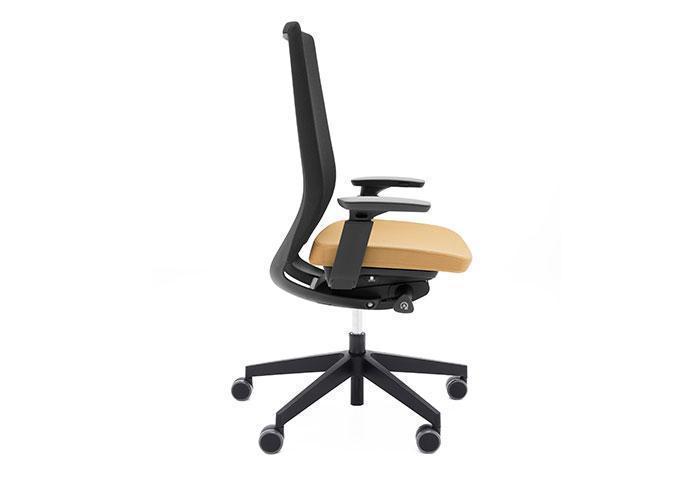
Choose an office chair that is height-adjustable and provides stable support. Make sure the backrest and armrests can be adjusted flexibly. When adjusting the chair, ensure the backrest supports you in all sitting positions and that the armrests are level with the tabletop. Sit using the full depth of the seat.
Tip: As a general rule for posture, everything should align at a 90-degree angle.
Useful Health Apps
- Rise & Recharge (reminds you to take movement breaks)
- RückenDoc (tips for back pain)
- Water Time (reminds you to drink water)
Technical Equipment
Device Equipment
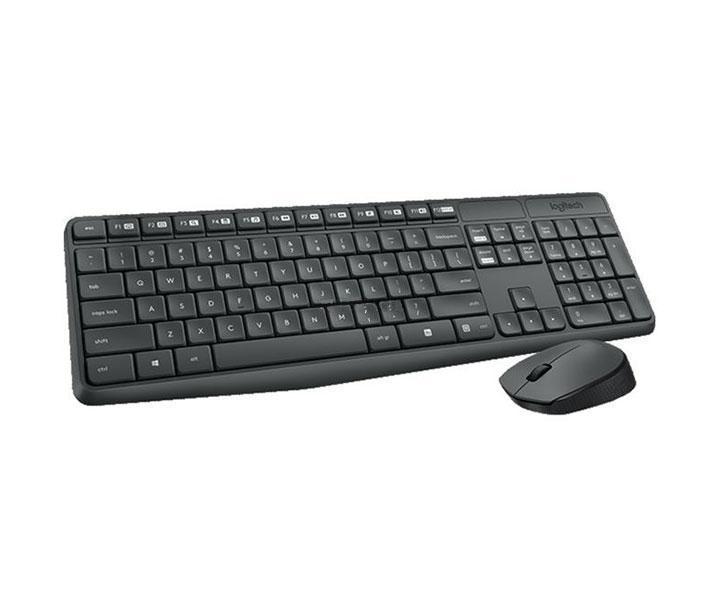
When equipping a home office, performance and reliability should be the top priority. The right equipment significantly improves workflow as well as eye and back health—this is not the place to cut corners. In addition to the desk and office chair, essential items include a large external monitor, a separate keyboard and mouse, and, if needed, a headset. We are happy to offer you our selection of home office products.
Internet & Network Connections and Data Protection
For a Wi-Fi connection, make sure you use WPA/WPA2 encryption. Especially when handling sensitive data, your IT department should set up a Virtual Private Network (VPN) to protect company data from cyberattacks. This also allows employees to securely access all important internal files. A remote desktop connection to the terminal server is recommended. All necessary programs are installed on the server and can be used without restrictions. Protect your devices with firewalls and encryption of hard drives and external storage media.
Consult your IT department about additional security measures, software updates, and possible solutions such as VPN, VPC (Virtual Private Clouds), and MDM applications. Minimize the use of private devices and strictly separate private and professional internet use.


Telephoning in the Home Office
With modern telecommunication systems and cloud-based phone solutions, calling from home is just as easy as from the office. Incoming calls can be forwarded effortlessly, and outgoing calls—also from mobile phones—can display the company extension number. This allows you to use your smartphone without revealing your private number.
Employer Responsibility
Helpful Programs
There is already a wide range of useful tools available online to simplify home office work and communication with colleagues.
- Data storage: Google Drive, Dropbox, Owncloud
- File transfer: Wetransfer, Firefox Send, Terashare
- Remote support: TeamViewer, Smartsheet, AnyDesk Free
- Focused working: RescueTime, StayFocused, ManicTime
- Communication & project management: Microsoft Teams, Asana, Absence
Meaningful Activities for Children During Home Office Hours
Even during school closures, maintaining good education for children remains important. The internet and TV offer numerous opportunities. Try learning platforms like Sofatutor, Scoyo, Anton, or Lehrermarktplatz, or explore creative tools such as Stop Motion, Puppet, Digitalwerkstatt Box, or Kunst Studio. Educational TV shows, Netflix, or Amazon Video also offer documentaries about nature and science suitable for all ages.

Communication
Ensuring Smooth and Responsible Exchange
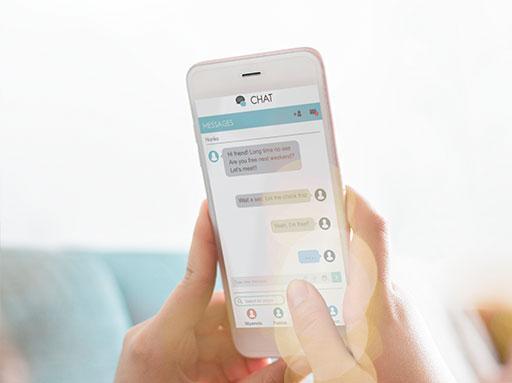
In a traditional office environment, direct contact makes communication easy and intuitive. The challenge now is to maintain effective communication between employees while working remotely. Clear agreements and alternatives to in-person discussions are essential. Tools like Slack or Microsoft Teams enable quick coordination via chat or video meetings. Chats should only be used for business matters and not misused. Use video calls to maintain face-to-face communication—this helps prevent misunderstandings that can arise from written messages. One of the most widely used providers for video meetings is Zoom.

Transparency Within the Team
Bottom line:It is better to communicate too much than too little—while ensuring communication remains appreciative, constructive, and respectful.
Working with Focus
Set Structured Work Times & Minimize Distractions
Structure and consistent work hours are important in the home office. Keeping your regular wake-up routine and wearing typical work clothes can help. If possible, physically and mentally separate your workspace from everyday household activities (family, roommates) and set clear daily goals. Methods such as the Eisenhower Matrix or the “Eat the Frog” method can support productivity. Limiting availability and communication to defined times reduces interruptions and ensures essential breaks.
Breaks are crucial for recharging and staying productive. In addition to a longer lunch break, plan small 5–10 minute coffee or tea breaks every 90 minutes. Since boundaries between private life and work often blur at home, define fixed start and end times and notify colleagues when you begin and finish your day.
Creating a Pleasant Atmosphere
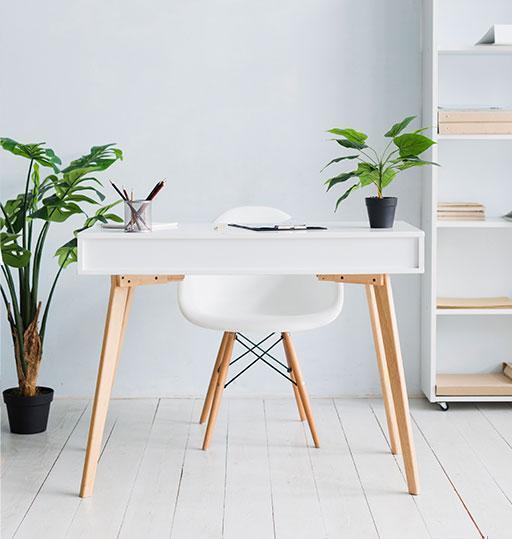
Acoustics, Climate & Lighting
Minimal Decoration, Plants & a Clean Desk
Health
Movement


Nutrition
Hygiene
Questions about working from home?
We are happy to assist you. Just give us a call or send us an email.