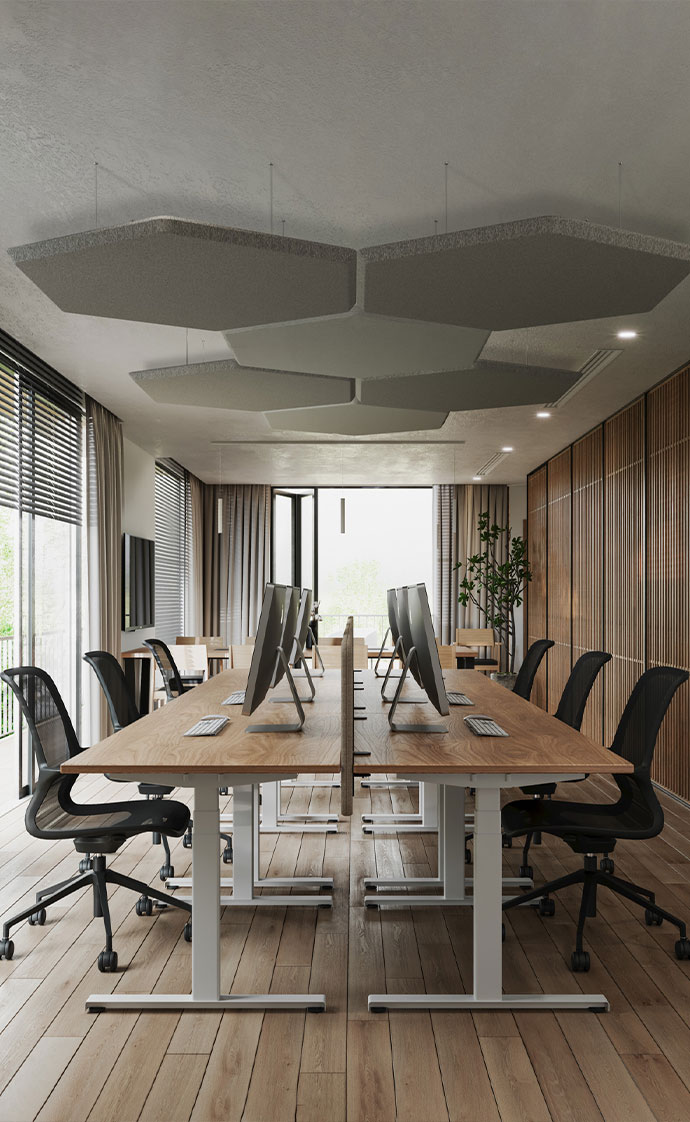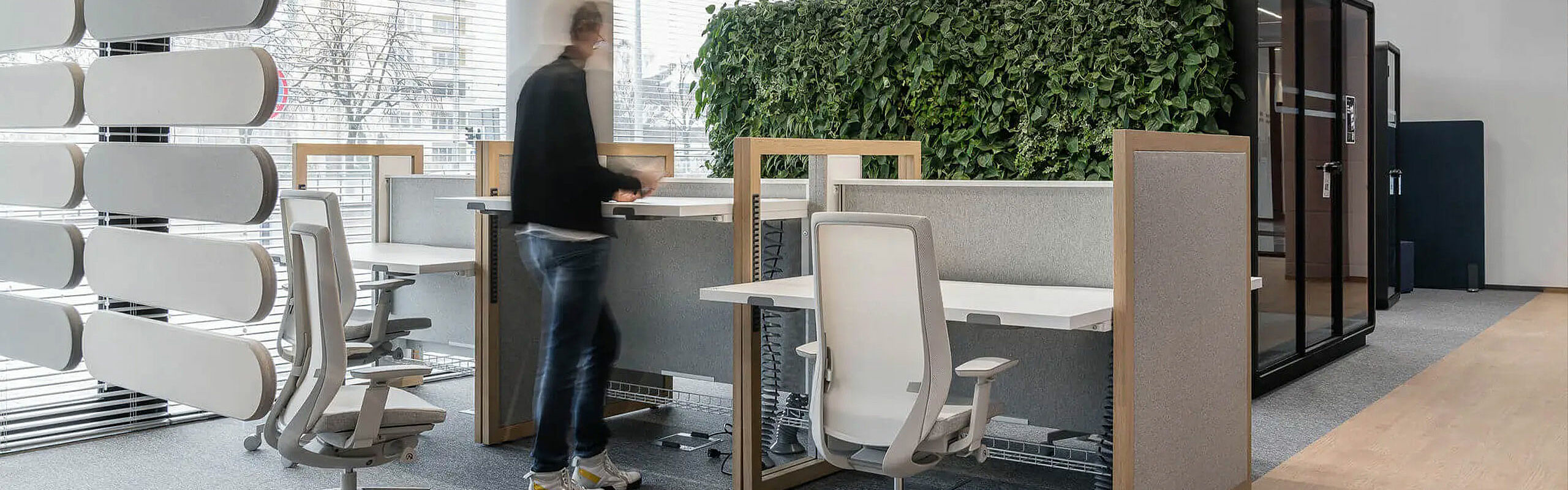
Ergonomics in the Workplace
More than just desk and chair
About one third of our life is spent at the workplace. Therefore, an environment that promotes health and well-being is essential. How can a workplace be designed ergonomically — one that meets regulatory requirements, but also the professional demands and the needs of employees? We explain what workplace ergonomics comprises and provide valuable information for a holistic ergonomic workplace design.
Inhalt
1. What is the importance of ergonomics in the workplace?
2. What are the effects of lacking ergonomics at the workplace?
3. How can activity-based workplaces encourage movement?
4. How does ergonomic furniture support workplace ergonomics?
5. How can ergonomics at the workplace be supported holistically?
6. Tips for more movement in everyday work life
7. What guidelines exist for workplace ergonomics?
8. Checklist for an ergonomic workplace
9. Ergonomic working environments with coneon
What is the importance of ergonomic workplace design?
Ergonomics refers to the science of work and hence should be understood as a holistic concept. According to this, an ergonomic workplace is shaped not only by appropriate furniture but also by factors such as indoor climate, room acoustics, and lighting. Workplace ergonomics should support employees’ health as well as their ability to fulfil tasks in everyday work — after all, only a healthy and satisfied workforce is motivated, productive, and capable of delivering high performance.
What are the effects of lacking ergonomics at the workplace?
Although a classic screen-based office workplace is generally considered low-stress, insufficient movement, lack of ergonomic adjustments, or one-sided strain can still lead to problems. These include physical complaints such as back pain, tension, and poor posture. Poor lighting or unfavourably arranged technology may also lead to irritated eyes. At the same time, inadequate ergonomics in the office negatively affects employees’ concentration and productivity, which directly impacts work quality. A truly ergonomic office workplace thus contributes to occupational safety and supports high-quality results.
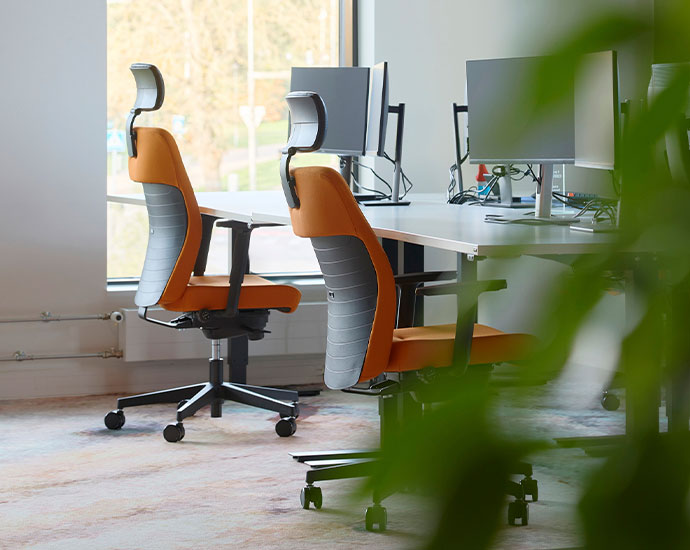
Activity-based workplaces: How can different work zones encourage movement?
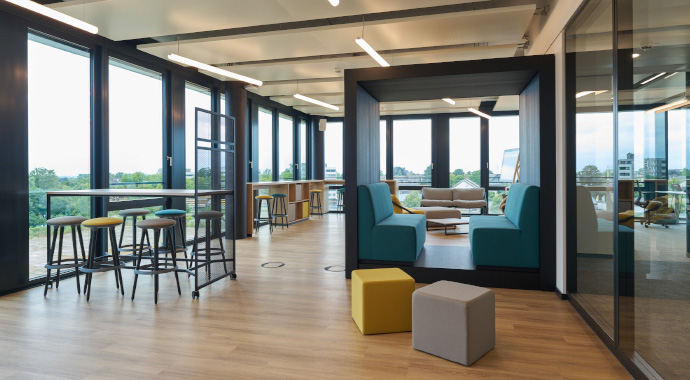
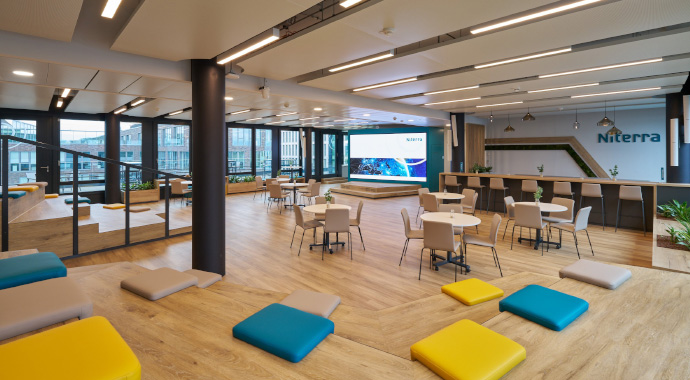
Modern ways of working bring more dynamism to everyday office life. In companies with an established Activity-Based Working concept, employees change their work location several times a day depending on task and situation. Among the different zonings in a modern workplace — the so-called “places” — are, for example: collaboration areas for informal and creative exchange, conference rooms for planned meetings, retreat zones and spaces for deliberate breaks, as well as zones for focused and concentrated work.
In each of these areas, compliance with basic ergonomic requirements is important per se — but selecting a workspace based on the activity greatly promotes ergonomics in the office. Different zone layouts trigger movement, and long periods of sitting are broken up by changing work locations with different furniture.
Info: According to DGUV, screen-based work must be regularly interrupted by alternative tasks independent of the screen to prevent one-sided strain. If the work can only be done at a screen, short recurring breaks should be taken.
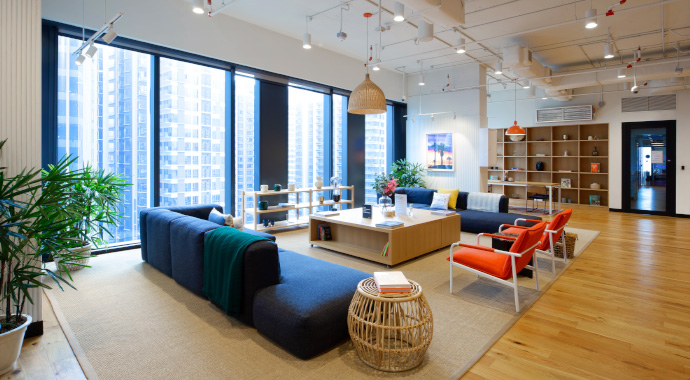
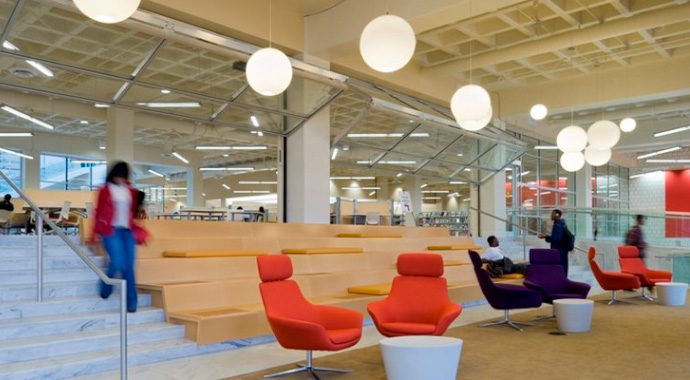
How does ergonomic furniture support workplace ergonomics?
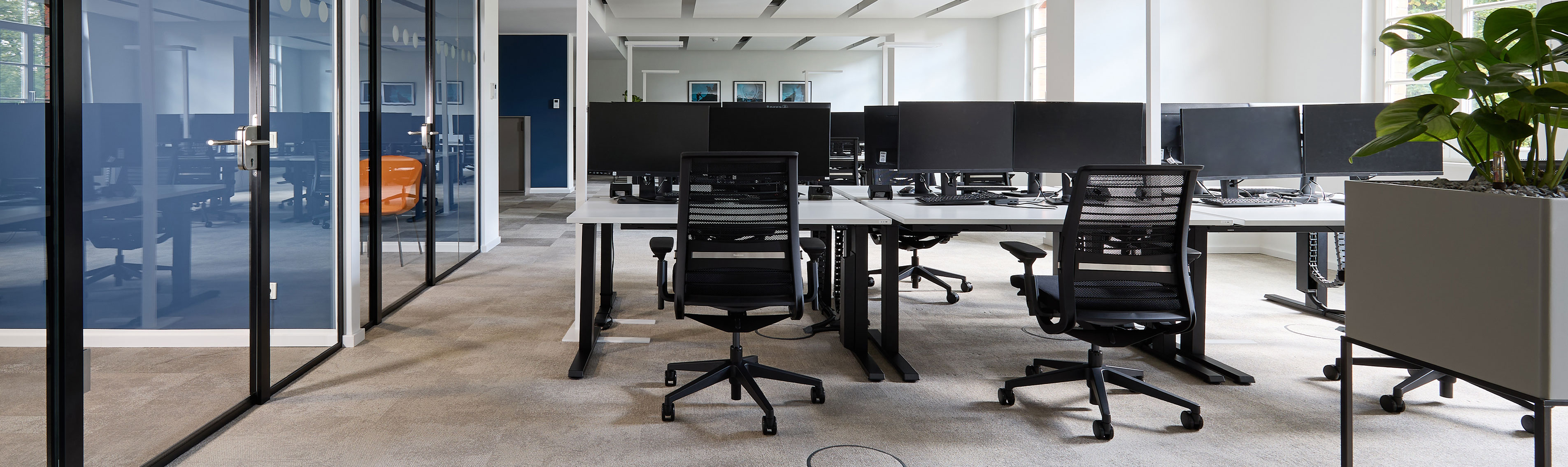
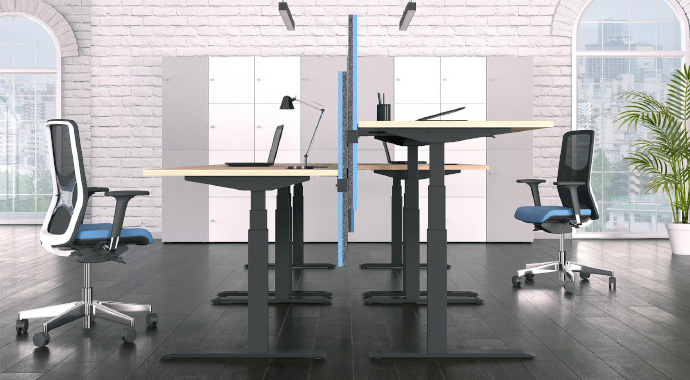
Movement between the different areas of the workspace already provides variety — but even within these zones, working in different body postures can maximize the benefits of an ergonomic office. Ergonomic office furniture should encourage changes in posture. Height-adjustable desks at individual workstations allow not only switching between sitting and standing, but also adjustment to the user’s body size.
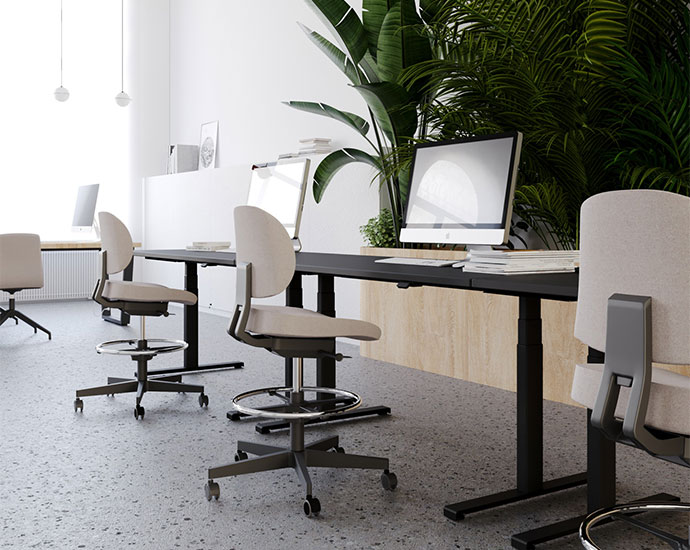
High tables with stools — for example in collaboration zones — enable employees to meet standing, leaning, or sitting. Tiered seating (e.g. in creative rooms) can support a dynamic seating arrangement, reflect different hierarchies, and open up new perspectives. A varied posture supports the creative idea-finding process. All areas in a modern workspace must offer the workforce the best possible conditions for their everyday work. A truly holistic ergonomic workplace also includes acoustic booths — and their indoor climate must be functional just like in the rest of the office. Ergonomic measures must be implemented comprehensively throughout the office.
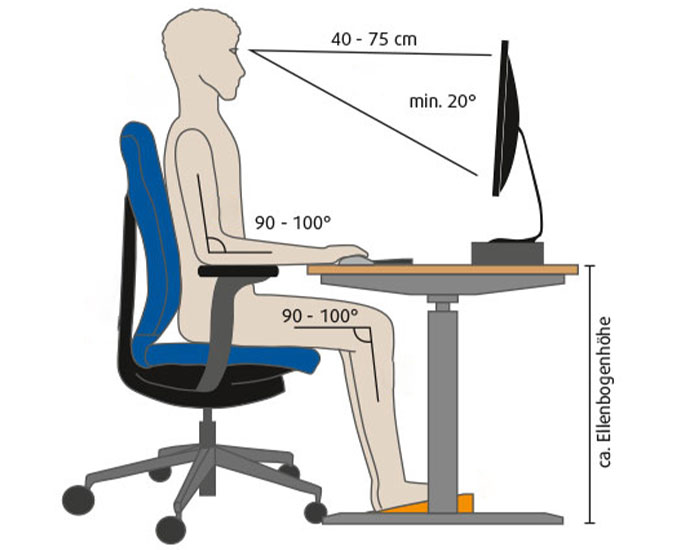
The ergonomic value of a workplace often starts and ends with the choice of furniture — especially office chairs, which are used for hours at a time. The chair should allow different working postures. First, set the armrests so your elbows rest comfortably without raising or lowering the shoulders. Seat depth should be adjusted so there is a gap of two to four fingers between the front edge of the seat and your lower legs — adjust the seat forward or back accordingly. With correct seat height, your feet should rest flat on the floor and your knees form a 90° angle. A height- and depth-adjustable lumbar support helps maintain the spine’s natural S-shape.
The principle is: adjust the chair to the body first, then adjust the desk. Ideally, the workplace is complemented by a height-adjustable desk.
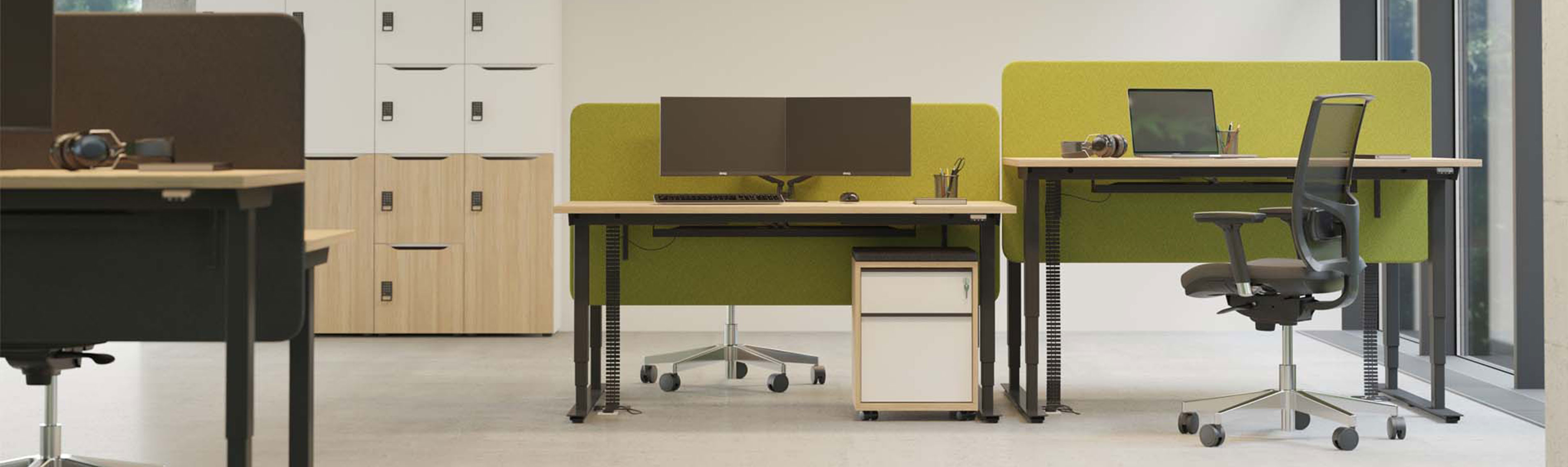
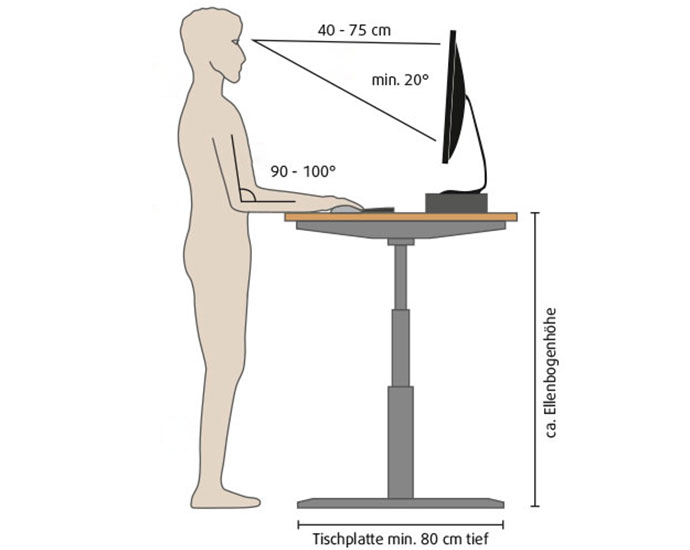
Desks with electric height adjustment offer special comfort — they enable a simple change between sitting and standing positions and quick adaptation to the needs of the users. A too-high desk leads to raised shoulders, while a too-low desk leads to a slouched posture. Correct desk height is identified by placing the armrests properly — the tabletop should be at the same height as the forearms when shoulders are relaxed. According to DGUV standards, the tabletop depth should be at least 80 cm. The depth of the desk depends on the necessary space for arm and hand resting area, the depth of technical devices placed on the desk, as well as the required viewing distance for screen work. Adequate leg and foot space is also essential to allow posture changes.
In many companies, desk sharing is practiced — which makes it even more important that chair and desk can be adjusted quickly and easily to different users and that changing work locations provide the workforce with optimal ergonomic basic conditions.
When it comes to screen and keyboard: For ergonomic screen-based work, the top of the screen should be straight ahead, slightly tilted downward. The distance from the eyes to the screen should be about an arm’s length. Larger screens relieve the eyes: If text is hard to read, increase font size instead of moving closer to the screen. Screens should be arranged flexibly on the desk for individual adjustment. When using dual screens, the devices should be placed close together with thin bezels to keep the overall view compact. Glare and reflections must be avoided. Ideally, the screen should be placed at a right angle to the window. Consideration should also be given to bay windows and the sun’s path depending on the building orientation.
Keyboard and screen should be separate units in everyday work. The mouse belongs close to the keyboard; the keyboard should sit 10–15 cm from the desk edge, ideally tilted, with a clearly visible labeling. Long-term laptop work should be avoided from an ergonomic standpoint.
How can workplace ergonomics be supported holistically?
Workspaces must be considered in their entirety. Ergonomics in the office is not achieved by furniture and employee behavior alone — room acoustics, indoor climate, and lighting also play a major role alongside workstation design and work organization.
How does room acoustics contribute to ergonomics in the office?
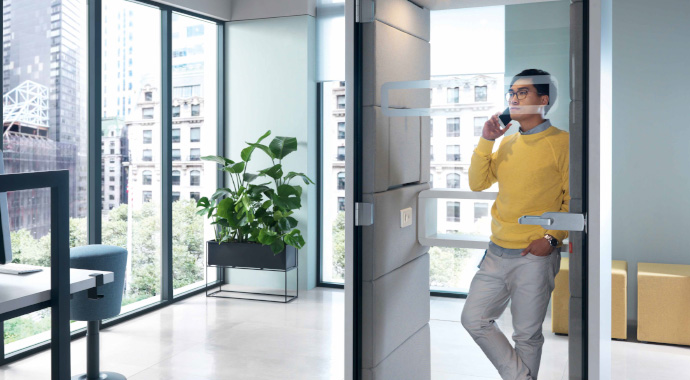
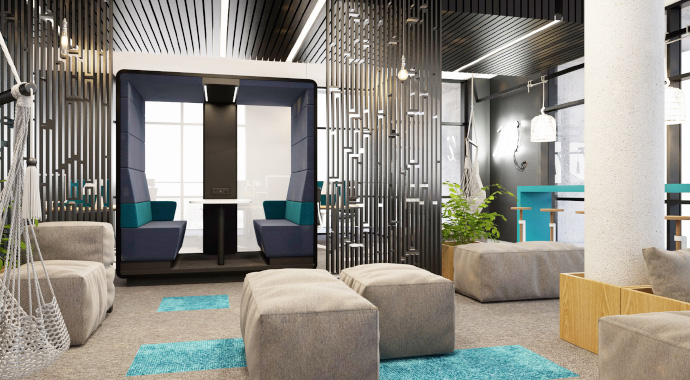
Noise, colleagues talking on the phone, and loud typing can disturb concentration, reduce productivity, and cause stress. Acoustic panels and objects can help optimize room acoustics. In open office spaces, retreat areas for focused work or undisturbed calls should be provided — individual rooms or acoustic booths can form a good basis.
What role does indoor climate play in office ergonomics?
Employees experience indoor climate subjectively. Factors such as air temperature, humidity, air flow, and air quality define the climate in the office. The minimum required temperature for office rooms under workplace regulations is 20 °C; 22 °C is recommended. According to DGUV 215-410, the relative humidity should not exceed 50%. Regular air exchange is important to maintain a pleasant climate.
How does lighting contribute to ergonomics in the workplace?
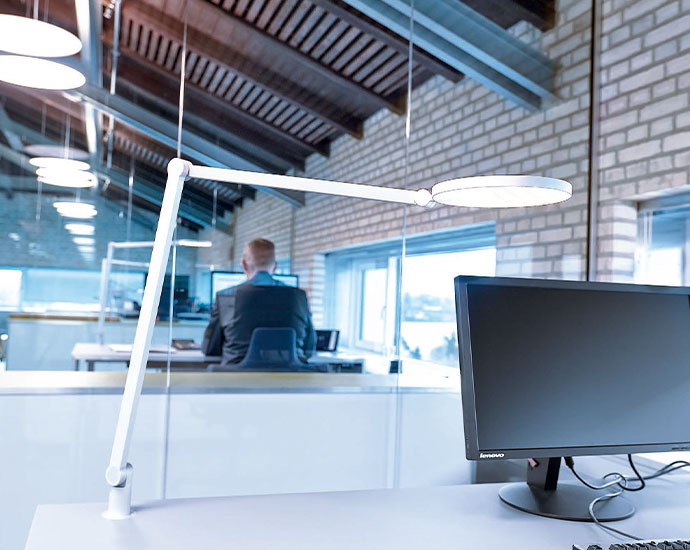
Good lighting can positively affect employees’ productivity and satisfaction. As long as possible, daylight should be used. Care should be taken to avoid glare. Desks should be arranged with the screen at a 90° angle to the window.
In winter months, daylight alone is often insufficient — here artificial light sources must complement. Warm light appears more natural and causes less eye fatigue; indirect lighting is also perceived as comfortable. However, many offices still favour daylight-white or neutral-white light due to the desired working atmosphere.
Tips for ergonomic working
Even the best ergonomic workplace design is of little use if everyday work remains too static. Small, regular movements are essential to prevent tension and improve circulation. Even short movement exercises can make a big difference.
Standing movements
- Rock gently on your feet to stimulate blood circulation.
- Place one foot forward and one back to alternate stance.
- Let your arms hang freely and circle your shoulders.
Sitting movements
- Lean back consciously and stretch your arms upward.
- Stretch your legs under the desk and flex your toes.
- Roll your shoulders and gently look up to the ceiling to relax your neck.
What guidelines exist for workplace ergonomics?
Employers have a duty to provide necessary occupational safety measures for the health and safety of their workforce — as specified in Arbeitsschutzgesetz (Occupational Safety and Health Act) for general workplace safety Paragraf 3 and especially for the work environment Paragraf 5. Detailed guidance for screen-based and office workplaces is provided in DGUV 215-410.
Further relevant standards are the Arbeitsstättenverordnung (ArbStättV) and the Arbeitsschutzgesetz (ArbSchG).
Ergonomic Workplace Checklist
- Incorporate regular movement and standing into the daily office routine
- Adjust office furniture individually to fit the user’s body
- Ensure sufficient lighting — ideally daylight, when possible
- Provide retreat zones for focused work and concentration
- Recommended indoor temperature: 20–22 °C
Ergonomic Office with coneon
Ergonomics is not a luxury, but a necessity for a healthy and productive workday. By combining suitable furniture, movement-friendly breaks, and regular posture changes, back pain, tension, and inefficient working can be sustainably reduced. Employers and employees alike benefit from ergonomic measures: health is improved, motivation increases, and productivity rises.
Our experts will gladly support you in promoting the health of your workforce and adapting your work environment. With our comprehensive THINK. DESIGN. BUILD. method, we develop work environments that excite your employees and form the foundation for excellent results.
Are you ready for the office of the future?
Would you like to implement a modern workspace concept in your company? Then schedule a non-binding consultation today! We support you in creating an office concept that is perfectly tailored to the needs of your company and your employees.
We look forward to hearing from you!